COMPANY
Texas Cultural Trust (TXCT)
PROJECT TYPE
Internal Tool
TIMELINE
Fall 2025 to Spring 2026
ROLE
Product Designer
The Texas Cultural Trust is a statewide nonprofit that promotes the value of the arts through programs, advocacy, and initiatives that support arts education and recognize cultural leaders across Texas

00 THE ASSIGNMENT
This project was part of my fellowship with the Texas Product Engineering Organization (TPEO). Our team partnered with the Texas Cultural Trust, a local nonprofit, to identify operational challenges within their internal workflows and build a solution. Through stakeholder interviews, we discovered that staff struggled to manage tasks across multiple programs due to fragmented systems, duplicated work, and limited visibility into deadlines and team responsibilities.
THE TEAM
One product manager, two engineers, and one product designer collaborating to build a product
THE TIMELINE
From user interviews to final designs to fully functioning website in a year long project
01 THE PROBLEM
This organization manages six recurring programs but has no centralized task system
Work is tracked across:
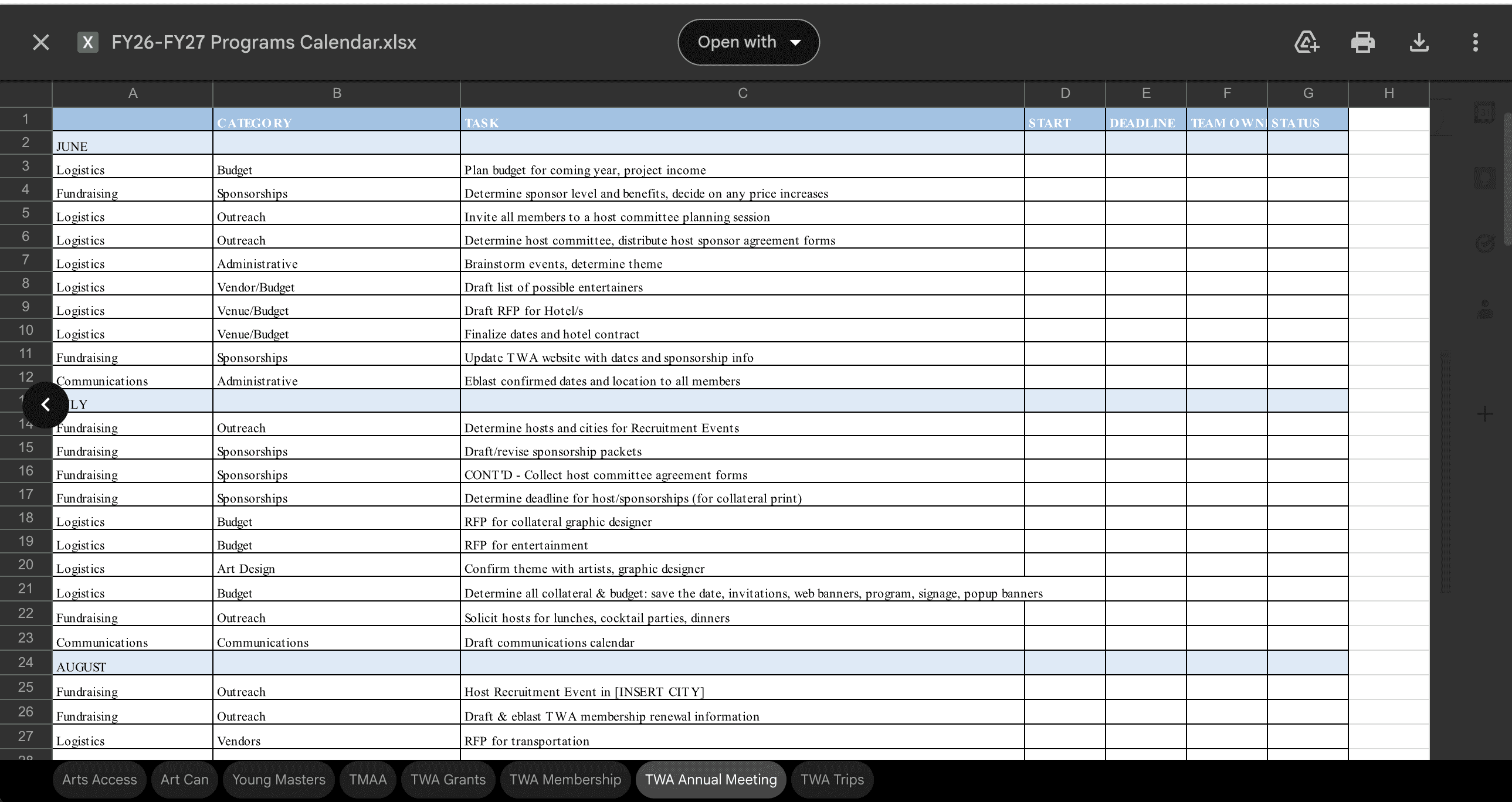
Excel spreadsheets (planning + master calendar)
Word documents (weekly agendas)
Notes apps (personal task lists)
Outlook calendar
OneDrive folders
Because there is no single source of truth, staff manually update multiple places every week
No visibility into what others are working on or when deadlines cascade
02 THE OPPUTUNITY
INSIGHT #1
Existing tools (Monday.com, Microsoft Teams Planner) were abandoned because they required re-entering data that already lived in Excel and OneDrive.
INSIGHT #2
Staff are duplicating work constantly as they update personal task lists, then separately updating staff meeting agendas with no single source of truth.
OPPURTUNITY
Design a system that scrapes from their existing files and visualizes task management without requiring staff to duplicate work or adopt a completely new workflow.
03 THE PROCESS
1
Completed interviews with 5 employees to understand their current workflow
Reviewed current documentation such as excel spreadsheets and calendars
2
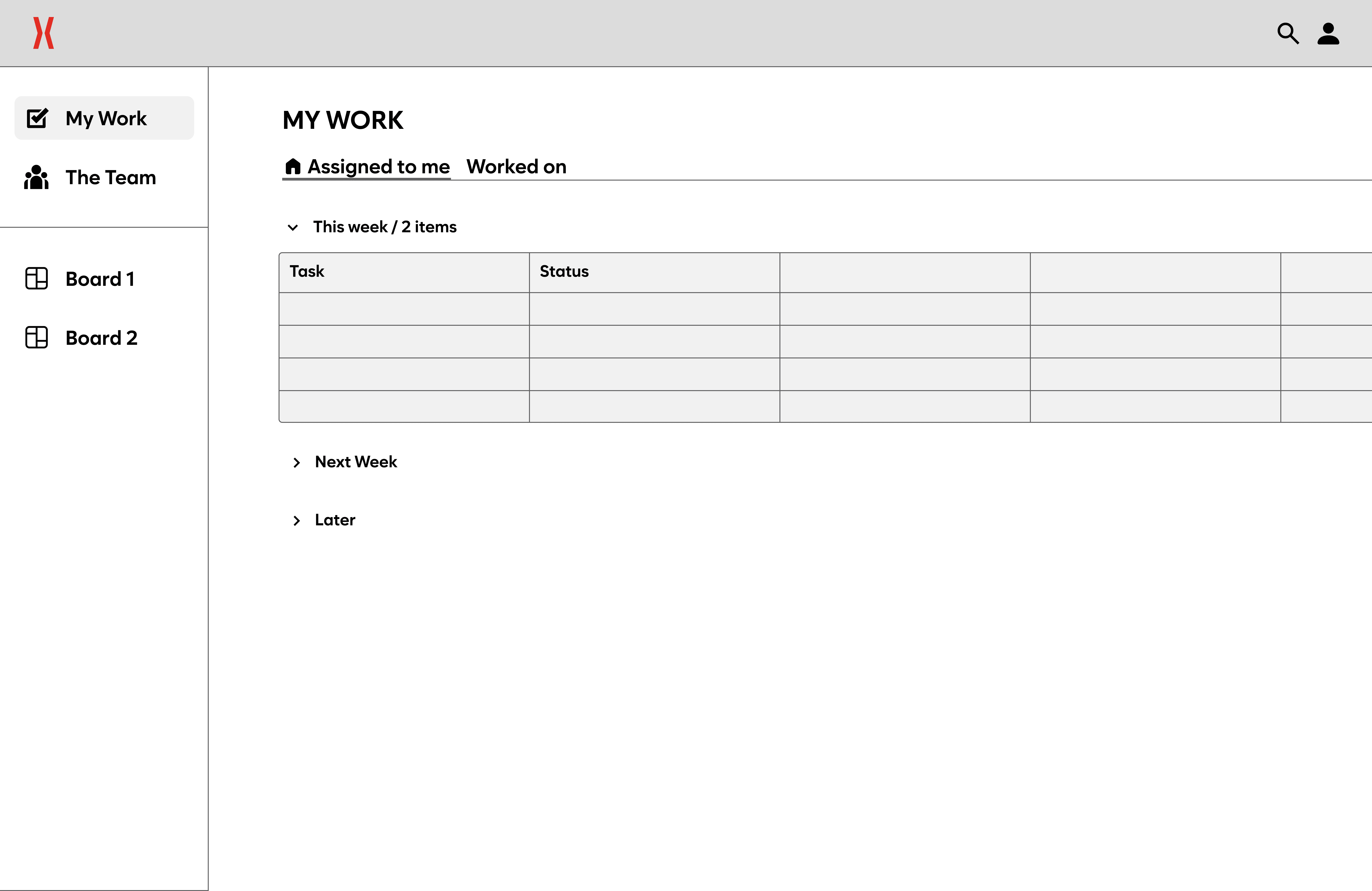
Created lo fi and mid fi designs of key features
Reviewed with stakeholders to validate design choices and fill in any remaining gaps
3
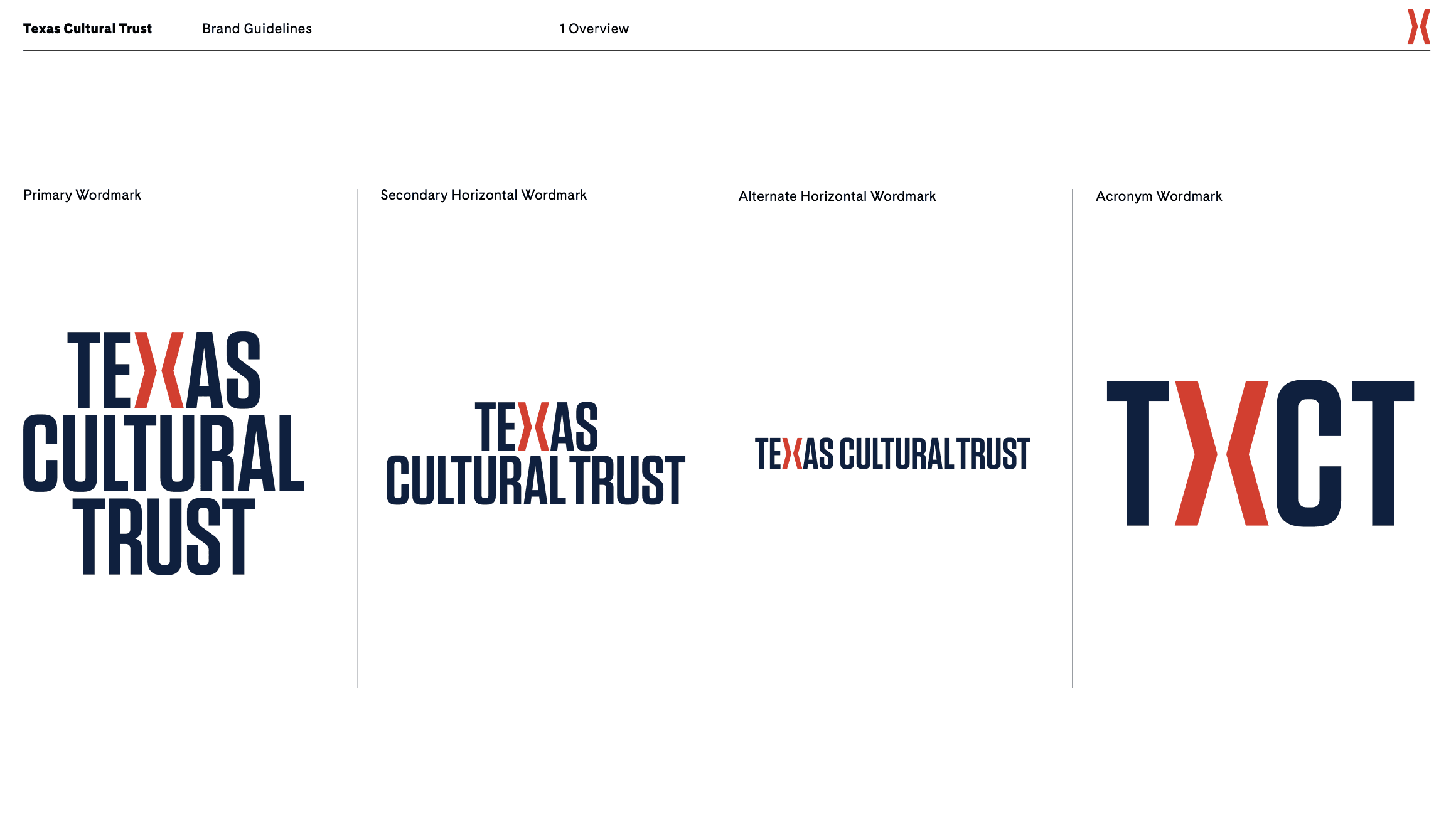
Translating brand guidelines into a design system
Fonts, colors, reusable components
04 THE SOLUTION
A task management dashboard built around how the team already works
A centralized task management dashboard that reads from the team's existing OneDrive files
Three core views: My Work (personal task list), The Team (full calendar and table view of all deadlines), and Program Pages (a dedicated space for each of the 6 initiatives plus internal ops)
The platform supports three user types to balance transparency with security and simplicity (Admin, Team Members, and Contractors)
USER MANGEMENT
Designed an admin dashboard to manage users and control role-based access
Defined three user roles to balance collaboration and security: Admin, Team Member, Contractor

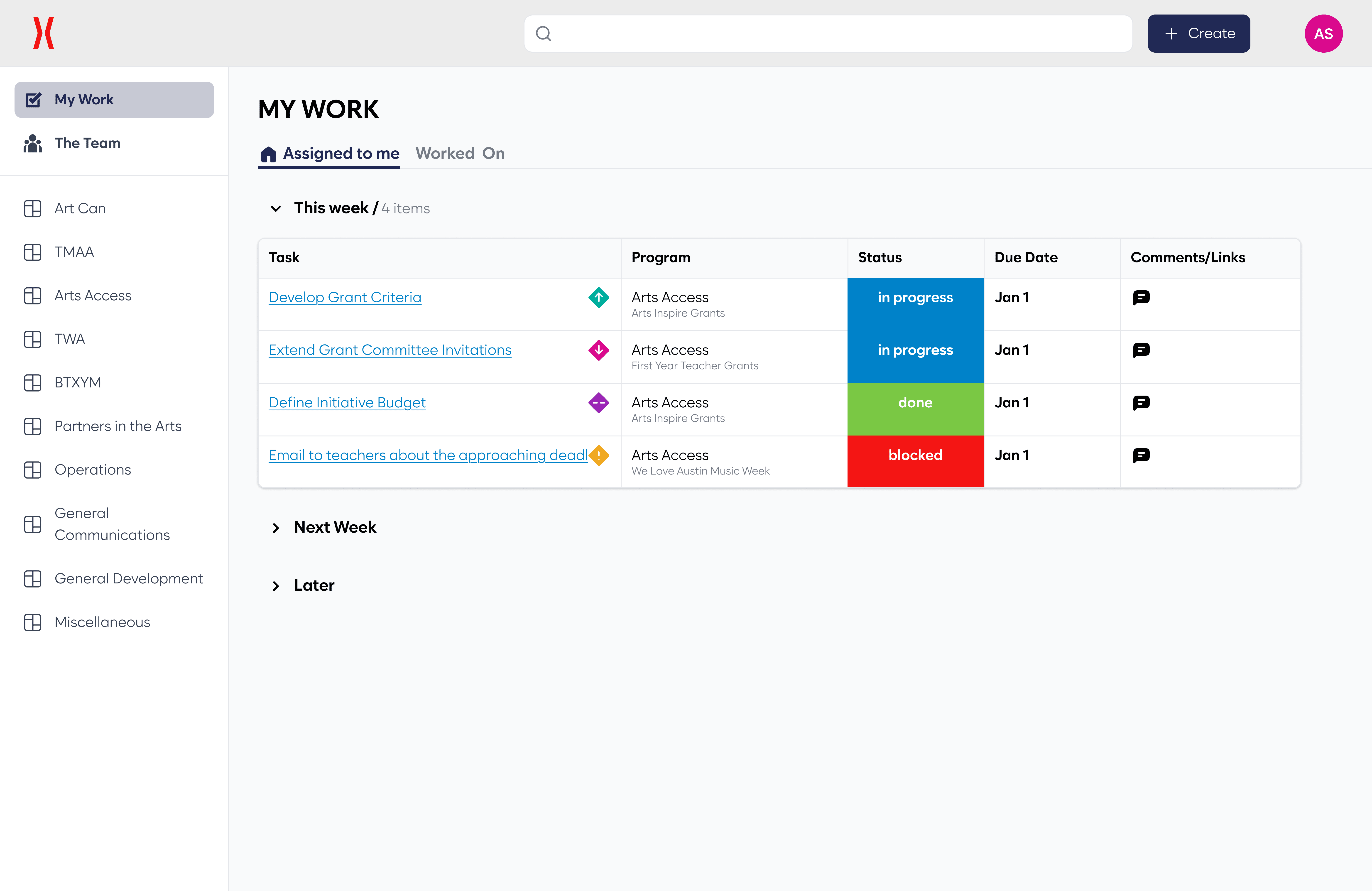
MY WORK
Created a personalized My Work dashboard that surfaces all tasks assigned to the user across programs
Added task status, due date, and program tags to help users quickly prioritize work
THE TEAM
Introduced a team-wide task view to provide visibility into work across the entire organization
Added table and calendar views
Included lists for overdue tasks and unassigned tasks to highlight workflow bottlenecks


PROGRAM VIEW
Created dedicated pages for each of the organization’s six core programs and internal operations initiatives
Organized tasks by program to help teams track milestones and progress within each initiative
05 THE REFLECTION
CONSTRAINTS AND CHALLENGES
Faced limited access to internal systems, as gaining permissions to SharePoint and OneDrive documents took time and required coordination with external contractors since internal staff did not have technical expertise
Needed to design around existing workflows, ensuring the tool could integrate with their current document structure rather than forcing the team to completely change how they manage tasks
Explored what information could realistically be scraped from existing files, while also designing structured Excel templates that the organization could use moving forward
LEARNINGS & KEY TAKEAWAYS
Designing systems from brand guidelines: I learned how to translate high-level brand guidelines into a cohesive interface and reusable design patterns that could scale across the platform
Stakeholder validation: Through frequent check-ins with stakeholders, I validated design decisions early and ensured the system aligned with the organization’s workflows and needs
Iterative collaboration: Regular feedback sessions helped refine the product direction and ensured the final solution worked for both internal staff and external collaborators
WHERE ARE WE NOW?
CURRENTLY BEING BUILT!